
Categories
Contact sales
Learn more about our solutions and services.
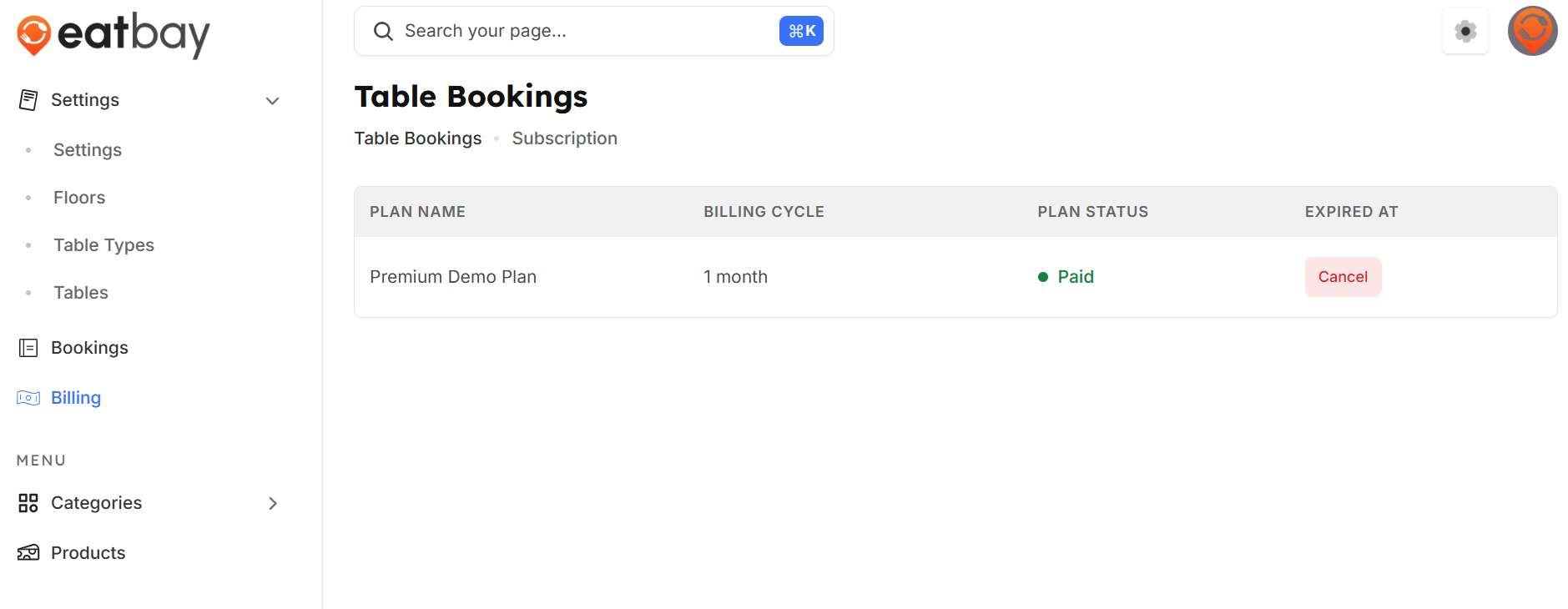
Payment & Billing
Q: What is Payment & Billing in EatBay?
A: Payment & Billing allows you to manage how payments are received, track transactions, and view billing-related details for your restaurant.
Q: Where can I access Payment & Billing settings?
A: Go to Dashboard → Billing to manage all payment and billing options.
Q: What payment methods are supported?
A: EatBay supports online payments through integrated gateways such as Stripe, allowing customers to pay securely.
Q: How do I connect or update my payment details?
A: In the Payment & Billing section, add or update your payment account details and click Save / Publish to apply changes.
Q: Where can I view transaction history?
A: You can view all completed, pending, and failed transactions in the Payment & Billing → Transactions section.
Q: How are payouts handled?
A: Payouts are processed through your connected payment gateway and transferred to your registered bank account as per the payout schedule.
Q: Can I download billing or payment reports?
A: Yes. You can download transaction and billing reports for accounting and reconciliation purposes.
Q: What happens if payment details are incorrect or missing?
A: Orders may fail to process online payments until valid payment details are added and published.
Q: Do I need to publish changes?
A: Yes. Changes are applied only after clicking Save / Publish.