
SMART RESERVATION MANAGEMENT • INCREASED VISIBILITY • SIMPLIFIED OPERATIONS
EatBay Table Bookings for Restaurants
Transform your restaurant’s dine-in experience with EatBay’s smart table booking system — designed to help you attract more guests, manage reservations efficiently, and optimize seating effortlessly.
- Home
- Table Bookings
Manage Tables Effortlessly, in Real Time
From advance reservations to walk-ins and waitlists, Eatbay’s table booking system gives you complete control over your dining space. With an intuitive dashboard, you can view bookings at a glance, assign tables instantly, and keep service running smoothly during peak hours.
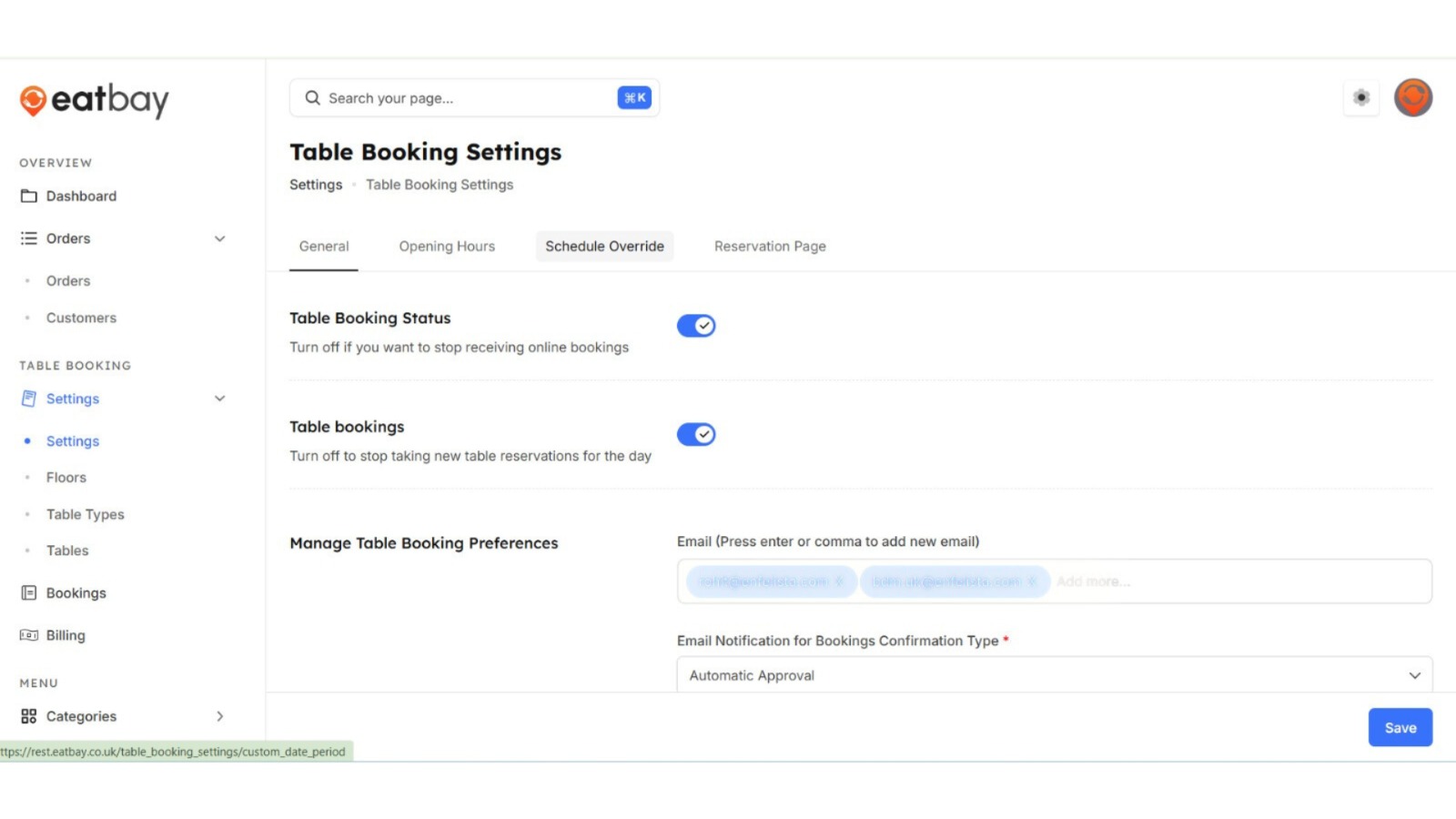
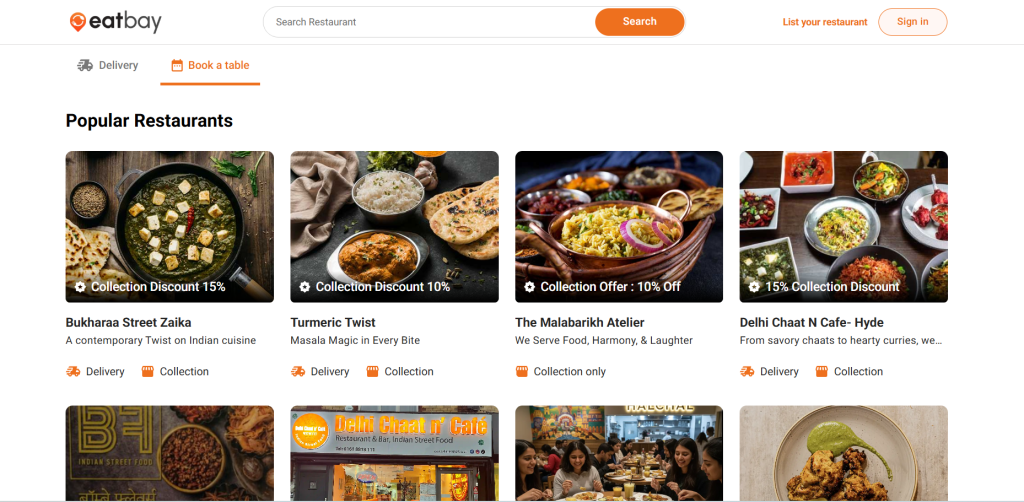
Online table reservations
Accept table bookings online with EatBay and give your guests a smooth, hassle-free reservation experience. From choosing party size and time to adding special requests, EatBay makes booking a table quick, simple, and convenient—while helping restaurants save time and grow their customer base.
- Real-time availability
Always show accurate table availability by checking live seating status before confirming bookings. Avoid overbooking and manage reservations with confidence.
- Responsive booking widget
EatBay’s booking widget works perfectly across all devices. Guests can book tables seamlessly on mobile, tablet, or desktop without any compatibility issues.
- Last-minute booking control
Manage same-day and last-minute reservations with ease. Control cut-off times and maximize table occupancy during peak hours.
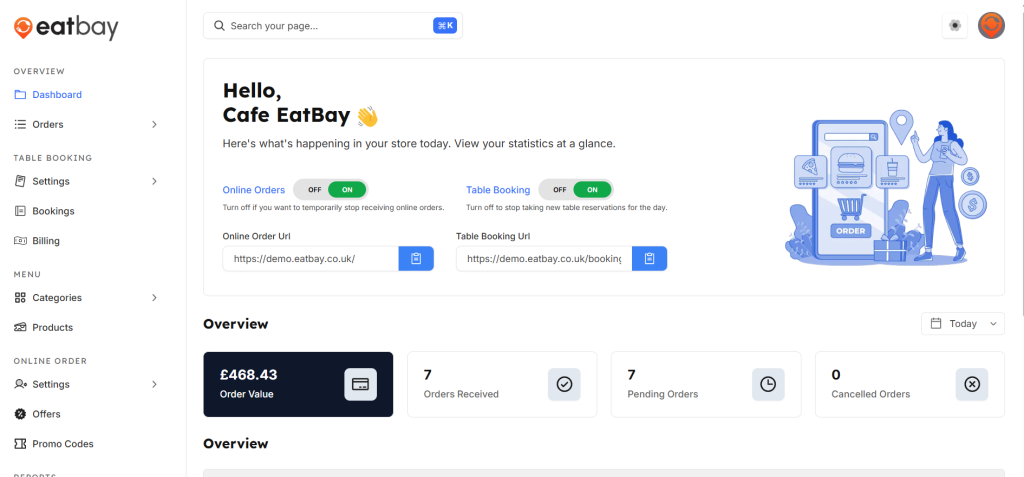
Smart restaurant dashboard
The dashboard gives you real-time visibility into your restaurant’s daily activity, helping you make faster decisions and stay in control during busy hours.
- Centralized control panel
Access online orders, table bookings, menu settings, and billing from one unified dashboard. No switching between systems—everything you need is in one place.
- Online orders & table booking toggle
Instantly turn online orders or table bookings on or off based on availability. Pause services during peak hours or special closures with a single click.
- Real-time business overview
View key metrics like order value, orders received, pending orders, and cancellations at a glance. Track daily performance without digging through reports.
Floor Management
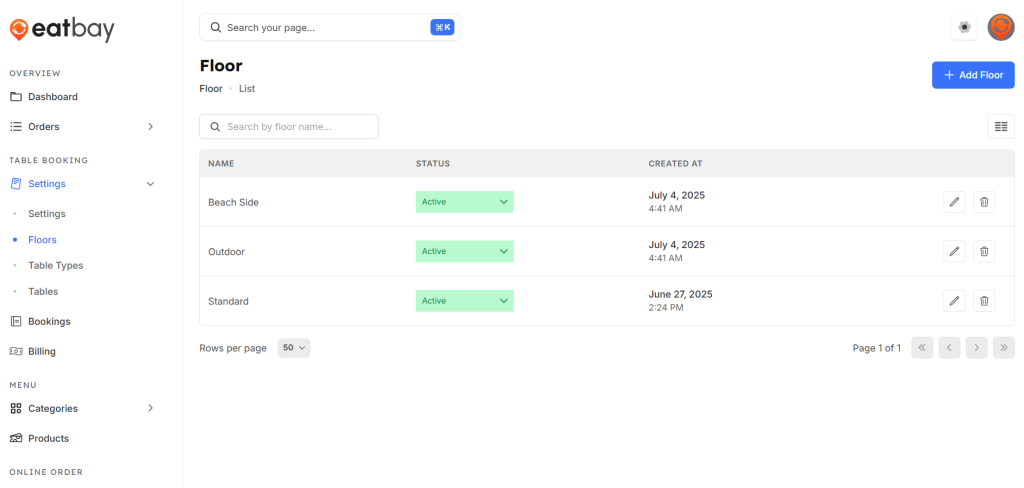
Visual floor plans made simple Design and manage your restaurant layout with an interactive floor view. Adjust seating in real time to maximize space and improve guest flow.
Design and manage your restaurant layout using an interactive floor view that lets you adjust seating in real time to improve guest flow.
Create and organize multiple floors or dining areas to accurately match your restaurant’s physical layout.
Use an intuitive drag-and-drop system to design, update, and reposition tables easily without technical effort.
View live table statuses, including available, reserved, and occupied, to make faster and more accurate seating decisions.
Quickly rearrange seating during busy hours to handle walk-ins, large parties, or last-minute booking changes smoothly.
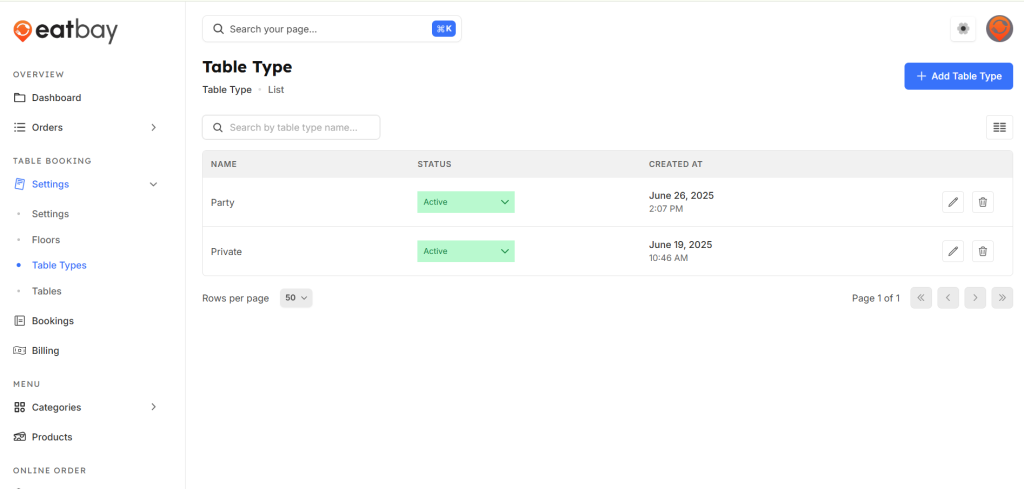
Table Types
Set up table types that automatically match guest bookings made through your GetEatBay website, ensuring efficient seating for every party size.
Define table sizes and seating capacity to ensure each reservation is matched with the most suitable table.
Combine or split tables easily to accommodate group reservations and large parties without manual adjustments.
Assign specific table types to individual floors or dining sections for better layout and seating control.
Handle special seating requests from online bookings, including preferences for areas, occasions, or comfort needs.
Reduce empty tables and unused space with smart table allocation that optimizes seating for every party size.
Effortless Table Management Starts Here
Real-Time Booking Calendar
View all reservations in a clear, time-based layout with real-time updates. Instantly track table availability and upcoming bookings to prevent double reservations and manage service smoothly during busy hours.
Automated Notifications
Automatically send booking confirmations, reminders, and updates to guests, reduce no-shows, keep customers informed, and ensure smooth communication throughout reservations and dining for an efficient service experience.
Never see an empty table again
Manage bookings effortlessly and give your guests a smooth dining experience.