
Categories
Contact sales
Learn more about our solutions and services.
Account Settings
Q: What are Account Settings in EatBay?
A: Account Settings allow you to manage your restaurant’s account information, login credentials, security settings, and profile details.
Q: Can I update my account information?
A: Yes. You can update details such as restaurant name, email address, phone number, and password from the Account Settings section.
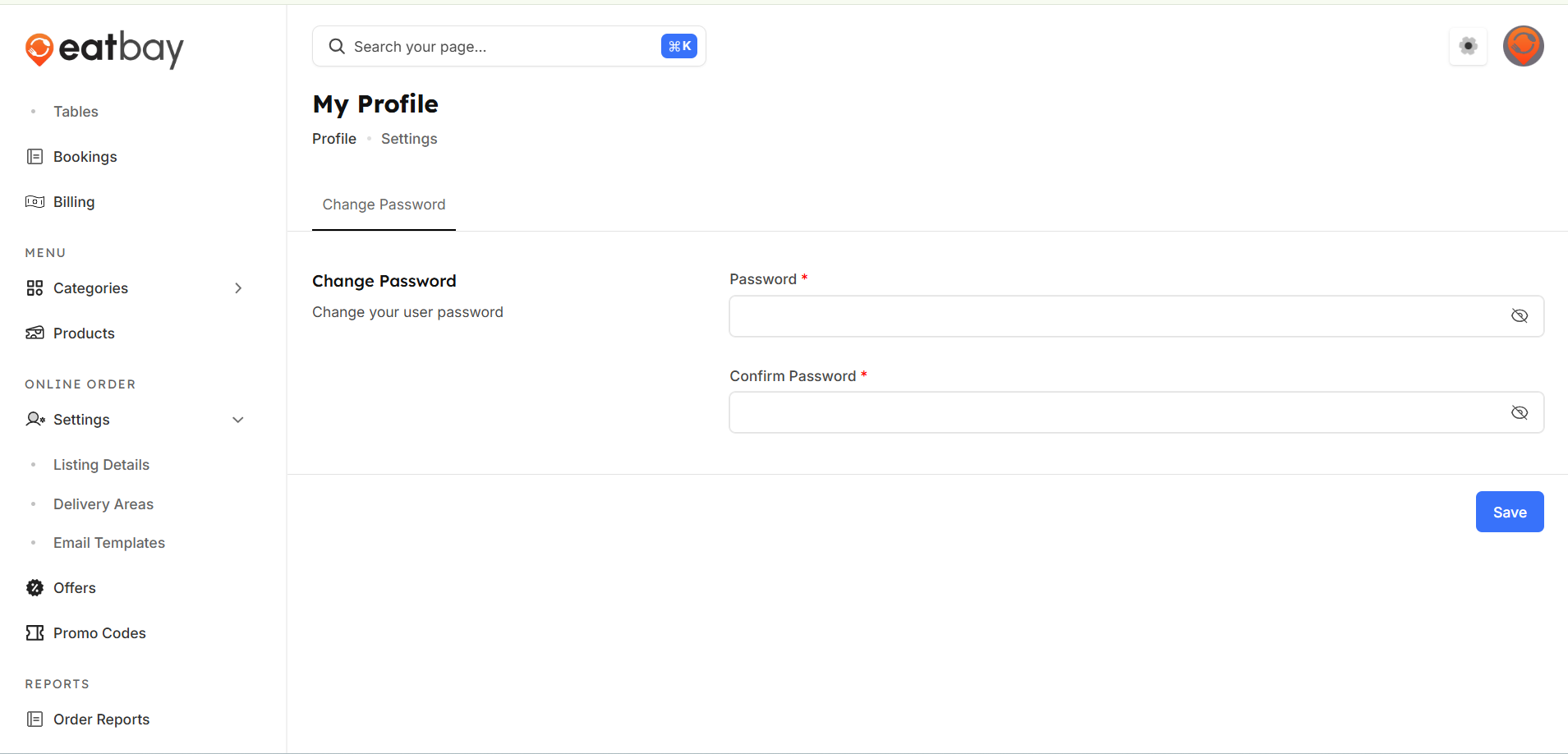
Q: How do I change my login password?
A:Navigate Dashboard→Restaurant logo→my profile→change password, enter your current password,set a new password and save the changes.
Q: Do account setting changes apply immediately?
A:Yes. Changes will take effect immediately clicking Save / Update.
Q: Who can access account settings?
A: Only authorized users with valid login credentials can access and modify account settings.
Q:How can I set my timing for delivery and pickup?
A: You can configure your delivery and collection time aligning with your opening hours.
Navigate to Dashboard→online order setting→listing details→timings→Delivery and set your timing.
Navigate to Dashboard→online order setting→listing details→timings→Collection and set your timing.