
Categories
Contact sales
Learn more about our solutions and services.
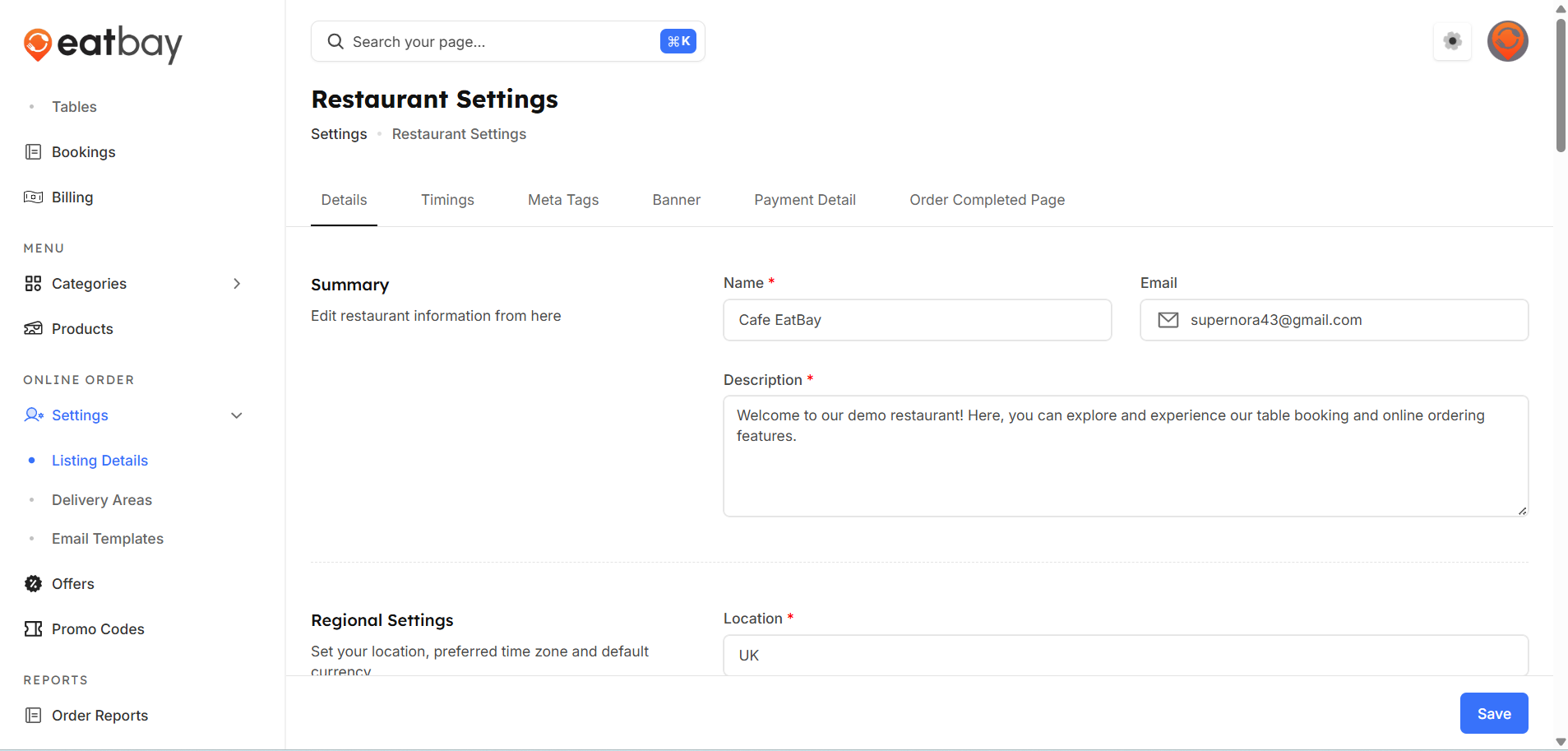
Setting Menu
Q: What is the Setting Menu in EatBay?
A: The Setting Menu allows restaurants to manage basic information, operational preferences, delivery options, notifications, and other configurations.
Q: How can I access the setting menu?
A: Go to Dashboard → Online order Setting→ Listing Details→ Restaurant Settings.
Q: What can I configure in the setting menu?
A: You can manage restaurant details, set timings, delivery radius, table bookings, email templates, payment settings, and notification preferences.
Q: Can I update setting at any time?
A: Yes. All setting can be updated at any time based on your restaurant’s operational needs.
Q: Do changes in the setting menu apply immediately?
A: Yes. You must click Save / Publish for any changes to take effect.
Q: Who can access the setting menu?
A: Only authorized restaurant admins or managers with appropriate permissions can access and modify settings.