
Categories
Contact sales
Learn more about our solutions and services.
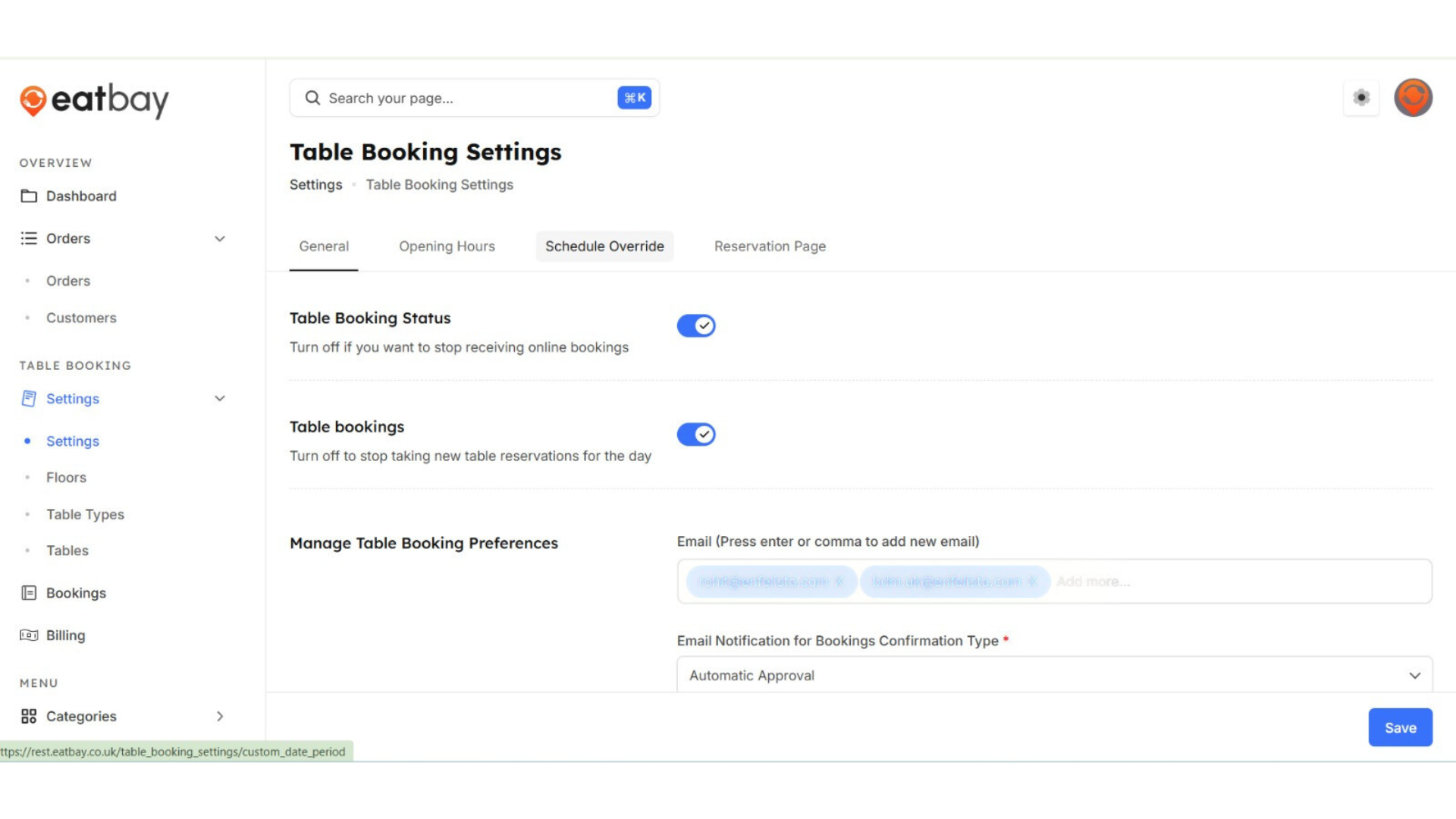
Table Booking Settings
Q: What are Table Booking Settings in EatBay?
A: Table Booking Settings allow restaurants to manage table availability, booking rules, time slots, guest limits, and booking preferences for dine-in customers.
Q: How do I access table booking settings?
A: Go to Dashboard → Table Booking→ Settings.
Q: Can I enable or disable table booking?
A:Yes. You can turn table booking on or off at any time by schedule override option on a particular day for your convenience.
Q: How do I set available time slots for table booking?
A: You can define opening hours, booking time slots, and intervals within the Table Booking Settings section.
Q: Can I limit the number of guests per booking?
A: Yes. You can set minimum and maximum guest limits for each table booking.
Q:How can I make seating arrangement?
A:We have tables layout along with the floors to make your table booking simplified.