
Categories
Contact sales
Learn more about our solutions and services.
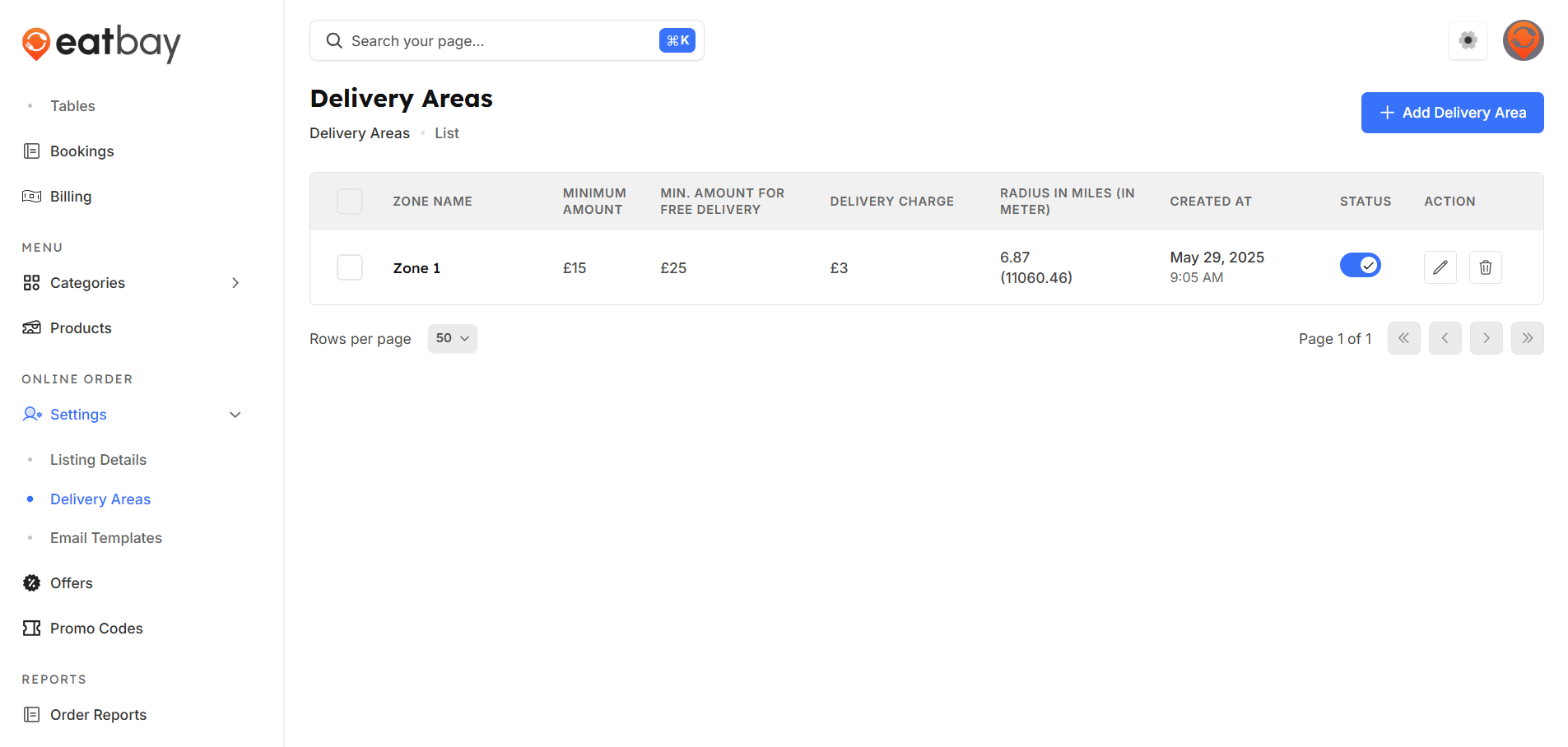
Delivery Radius
Q: What is Delivery Radius in EatBay?
A: Delivery Radius defines the maximum distance within which your restaurant delivers orders to customers.
Q: How do I set the delivery radius?
A:Dashboard →online order settings →add delivery area
Q: Can I change the delivery radius anytime?
A: Yes. You can update the delivery radius at any time based on your delivery capacity.
Q: How does delivery radius affect customer orders?
A: Customers outside the set delivery radius will not be able to place delivery orders from your restaurant.
Q: Can I set different delivery charges based on distance?
A: Yes. You can configure delivery fees according to distance slabs within the delivery radius.
Q: Does delivery radius apply to pickup orders?
A: No. Delivery radius settings apply only to delivery orders, not pickup orders.
Q: Do I need to publish changes?
A: Yes. Changes will only take effect after clicking Save / Publish.
Q. Can I have free delivery option?
A. Yes. You can set a minimum order amount to offer free delivery to customers.